Getting started
PatchVault is a website plus a small addon. The addon reads what the game shows you (your character sheet, bags, bank, recipes, and on Retail your Great Vault) and hands it to the site. The same addon works in Retail and in WoW Forever; it notices which game it is in.
Want to look around first? The Retail preview and the Forever preview show the whole site with demo characters. Nothing you do there is saved.
1. Install the addon
The easiest way is PatchVault on CurseForge: install it with the CurseForge app and it updates itself whenever a new version comes out.
You can also download the zip yourself: press Addon sync in the Great Vault panel's header on Retail, or the Addon sync button above your characters on Forever. Unpack it into your game's Interface/AddOns folder, like any other addon, and start the game (or type /reload).
2. Get a character onto the site
There are two ways. Pick one.
- Copy and paste. In game, type
/pv. The PatchVault window opens on its Export tab with a line of text already selected: press Ctrl+C. On the site, open Addon sync (on Retail it is the button in the Great Vault panel's header, on Forever the button above your characters on My characters), paste the line and press Import. The site says "Imported" with the character's name. - The desktop app (Windows). Pair it once with your account and it sends every character by itself each time you log out. No copying, ever. See Syncing with the desktop app.
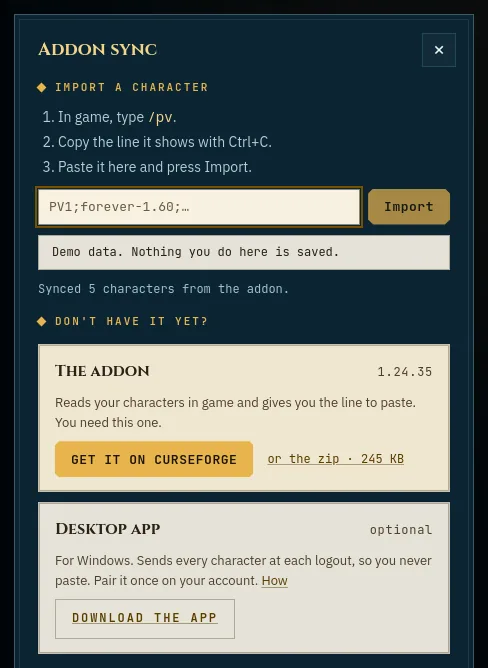
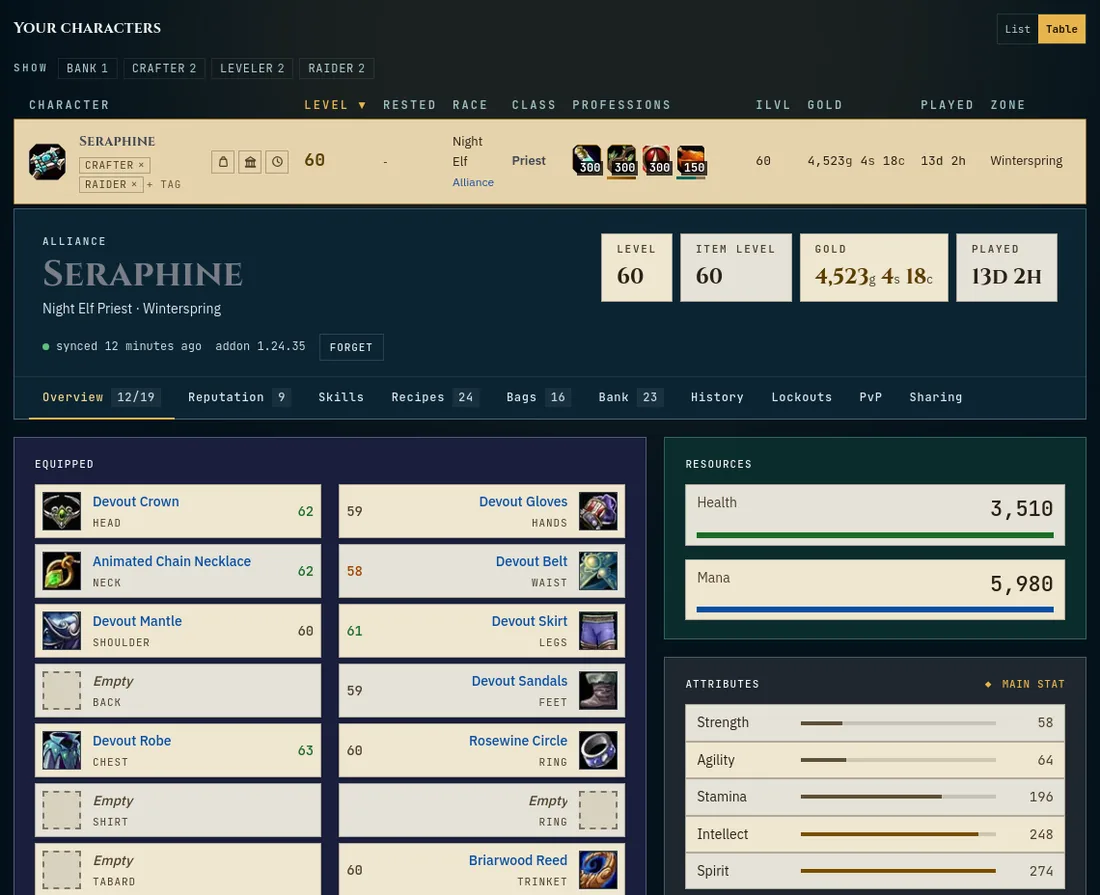
On Forever the line from /pv carries everything the desktop app sends: the character sheet, gear, bags and bank, and (addon 1.22.3 and later) its recipe lists, the boss kills it saw and its guild's member list. Open each profession window once in game so the addon can read it. Signed in, a paste reaches Crafters, your friends and your guild just like a sync from the app.
If the site says "That export is from Forever" (or from Retail), you pasted it on the other game's side of the site: use the Retail | Forever switch at the top of the menu and paste it again.
3. An account, if you want one
Everything works without an account. Your characters then live in this browser only, and a bar at the top of the page reminds you of that. With an account (email and password, or Battle.net) they follow you to every device you sign in on, and the desktop app has somewhere to send them. See Your account and privacy.
All help topics. Still stuck? Send feedback.