PatchVault is a fan-made World of Warcraft reference run by one person. It is not a business, it sells nothing, and it has no interest in you beyond being useful. This page says exactly what is kept, and it is written from the code rather than from a template: if it says a number, that number is in the source.
Who is responsible. PatchVault is run by Ginkeltjes, one person in the Netherlands, who is responsible for everything on this page (the "controller", in privacy law). Questions, requests and complaints go to [email protected]; you get an answer within one month. You can also reach me on Bluesky.
Last updated: 27 September 2026.
Without an account
You can use every page without signing up. What you tick, which entries and characters you track, your region, and anything you paste from the addon are kept in your browser's local storage, on your own device. They are not uploaded. Clearing your site data removes them, and so does the button on the Settings page.
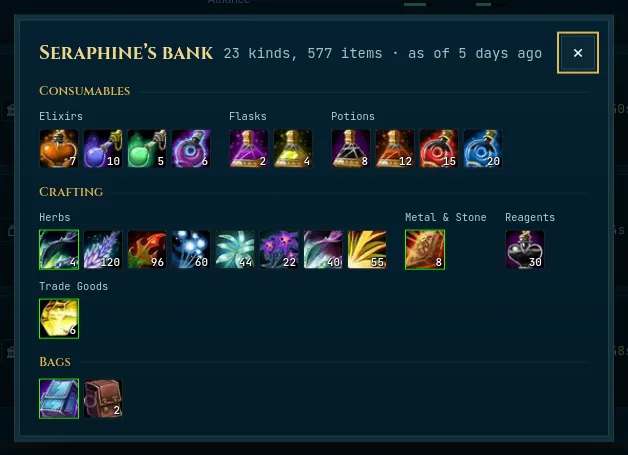
Two things still reach the server without an account: the visit counter described under Counting visits, and, when you open the bags or bank of a pasted character, the item numbers, so the server can look up their icons. Those item numbers are not stored with anything about you; the server asks Wowhead about the item, not about you. And if you send feedback, that message is stored, as described under Feedback.
With an account
An account keeps your data on the server so it is the same on every device. This is what it holds:
- Your email address, if you signed up with one. Used to sign in and to send a password reset, and for nothing else. There is no newsletter. Accounts made through Battle.net have no email address and no password.
- A hash of your password, if you set one. Argon2id, 64 MB of memory and four passes. A hash cannot be turned back into your password.
- Your region, Europe or Americas, because it decides when your week resets.
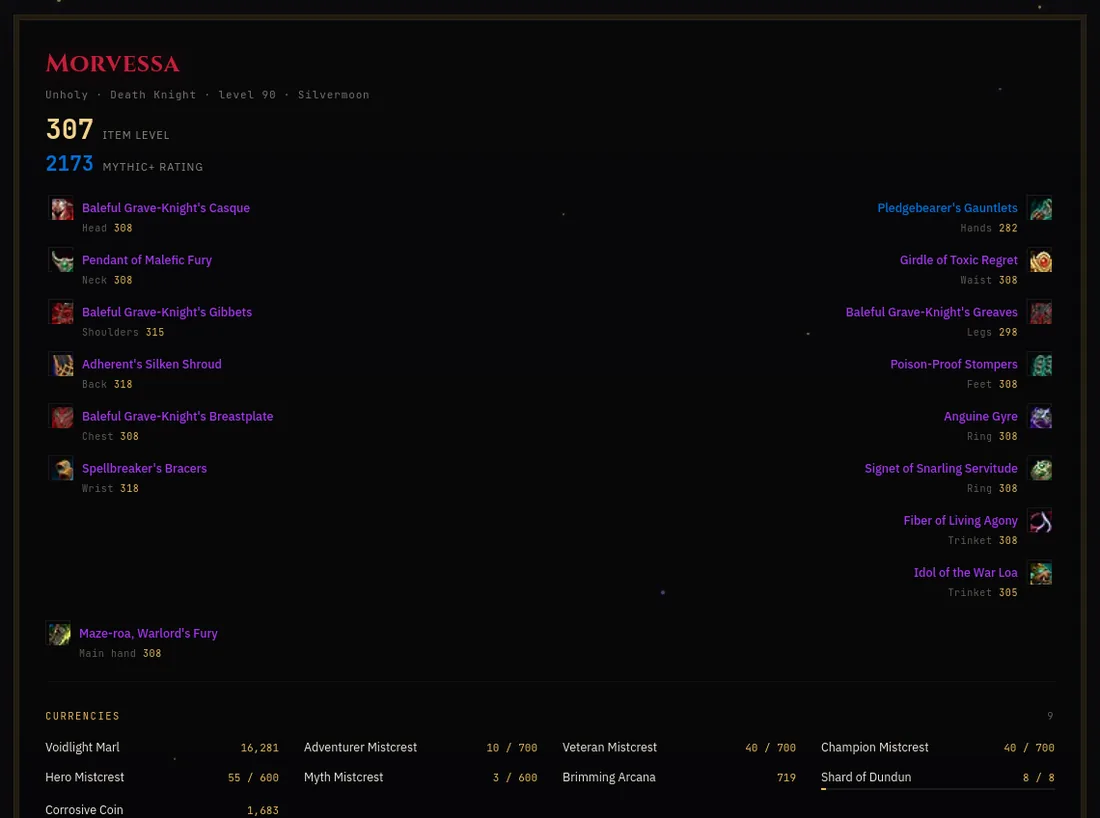
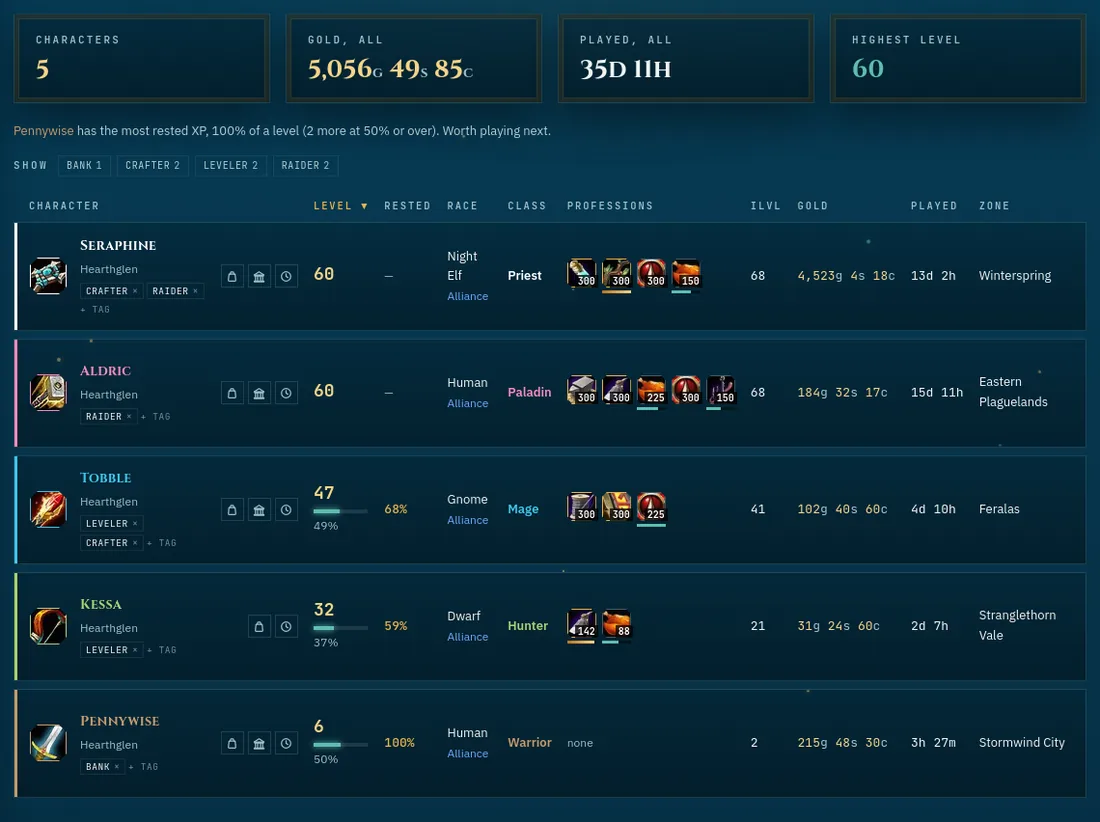
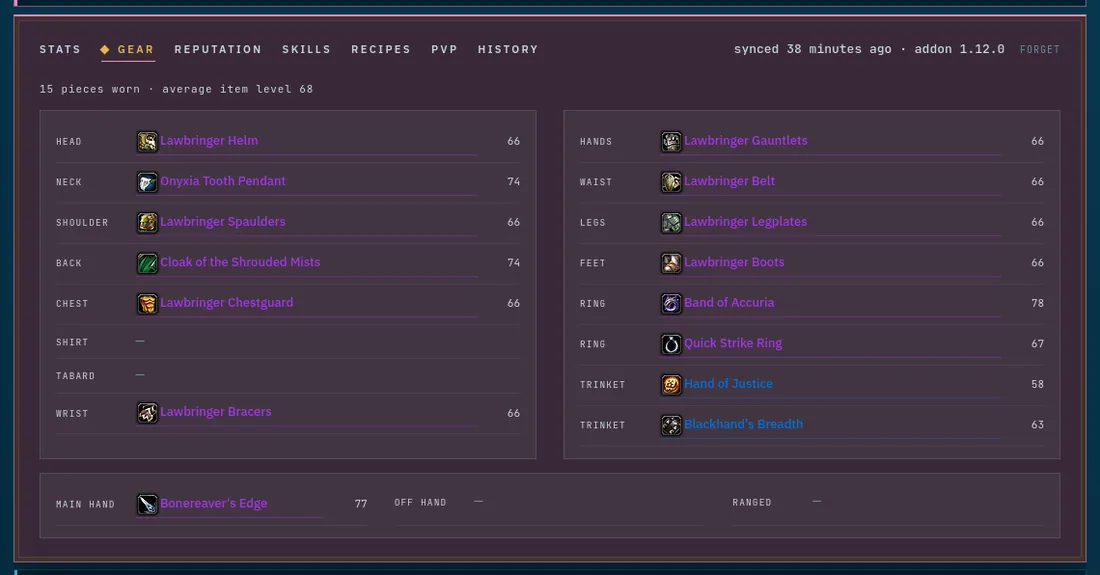
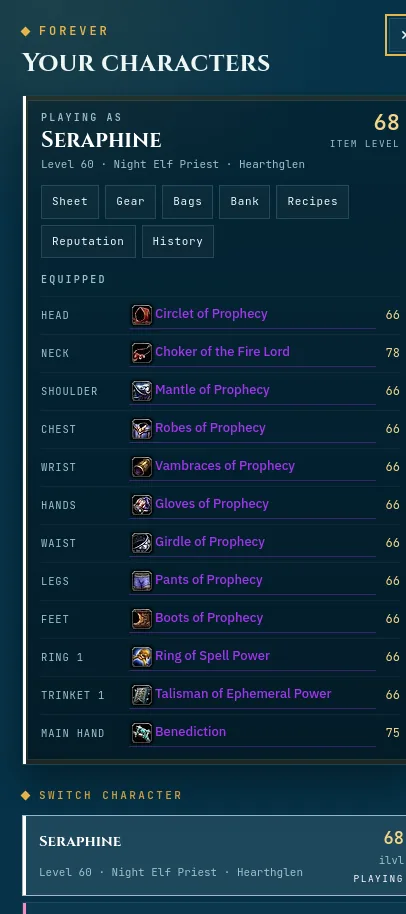
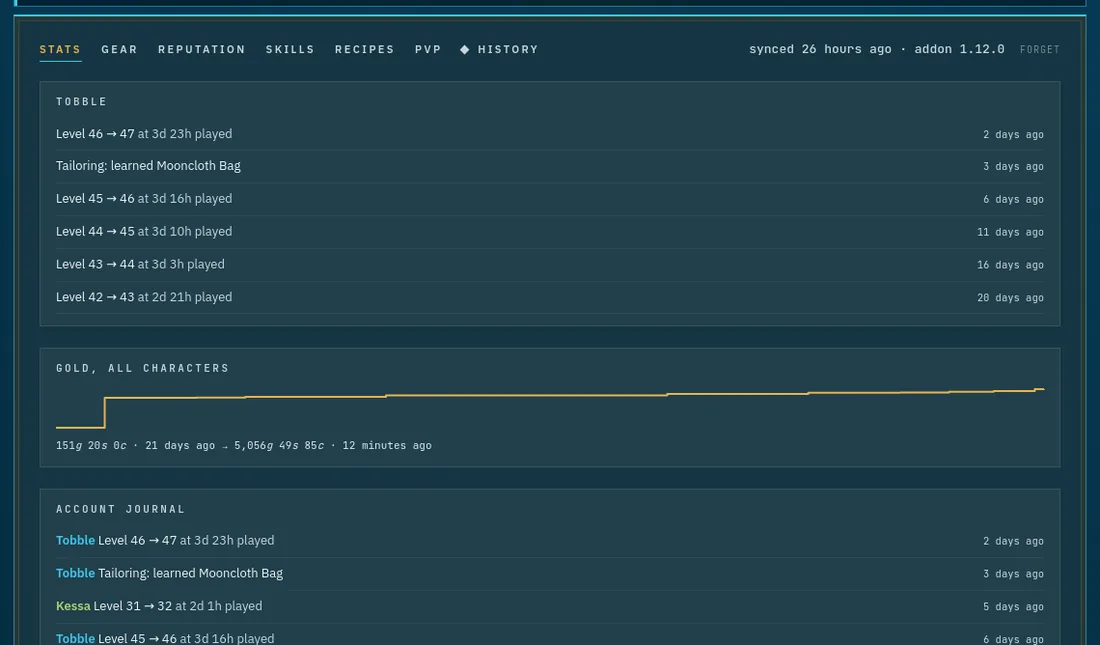
- What the site keeps in your browser, synced. Your checklist per patch (ticks, tracked and hidden entries, goals), which characters you track and their classes and tags, and for every character the addon has reported: its character sheet (level, class, race, gender, experience, gold, time played, zone, stats, gear, bags, bank, reputations, skills and PvP rank), a short history of level-ups, gold and new recipes, and your recipe watchlist.
- The date you signed up and the date you last signed in.
Battle.net
If you sign in with or link Battle.net, the site asks Blizzard for the openid and wow.profile permissions. Blizzard never gives out your email address or password. The site stores:
- your Battle.net account id and BattleTag (refreshed each time you sign in), and the date you linked them;
- the list of your World of Warcraft characters in the site's region: name, realm, level, class and faction;
- for the characters you track, what Blizzard's public armory says about them: item level, specialization, when the character last logged in, equipped gear, reputations, this season's Mythic+ runs, and Blizzard's picture of the character, which is stored on this server so it can be shown to you. It is re-read at most every 15 minutes when you ask, and the picture every week.
Your Battle.net sign-in token is used once, to read the character list, and then thrown away. Everything after that is read with the site's own key. Unlinking Battle.net removes the link, the character list, the armory data and the pictures.
The desktop app and the addon
The addon runs inside the game and has no internet access. It writes one line per character to your WoW folder: the character sheet listed above, plus currencies, Great Vault progress, the recipes your professions know, and on WoW Forever which items the bosses you killed dropped (see Real loot, below).
The desktop app (Windows) reads those lines and sends them here, so your checklist fills itself in. To pair it you type a code from the Account page; the code works once, for ten minutes. The app then holds a device token that can only send data: it cannot read your checklist or change your account. When it pairs, it is told which account it joined (your email address or BattleTag) so it can show you.
On the server this stores:
- The device: a name (your computer's name unless you change it when pairing), when it was paired, when it last synced (to the hour) and how many times it sent something. Only a SHA-256 of its token is kept. Unpairing a computer deletes all of this.
- The mailbox: the latest line from each character, exactly as the addon wrote it, at most 200 per account. It stays until you forget that character or delete your account.
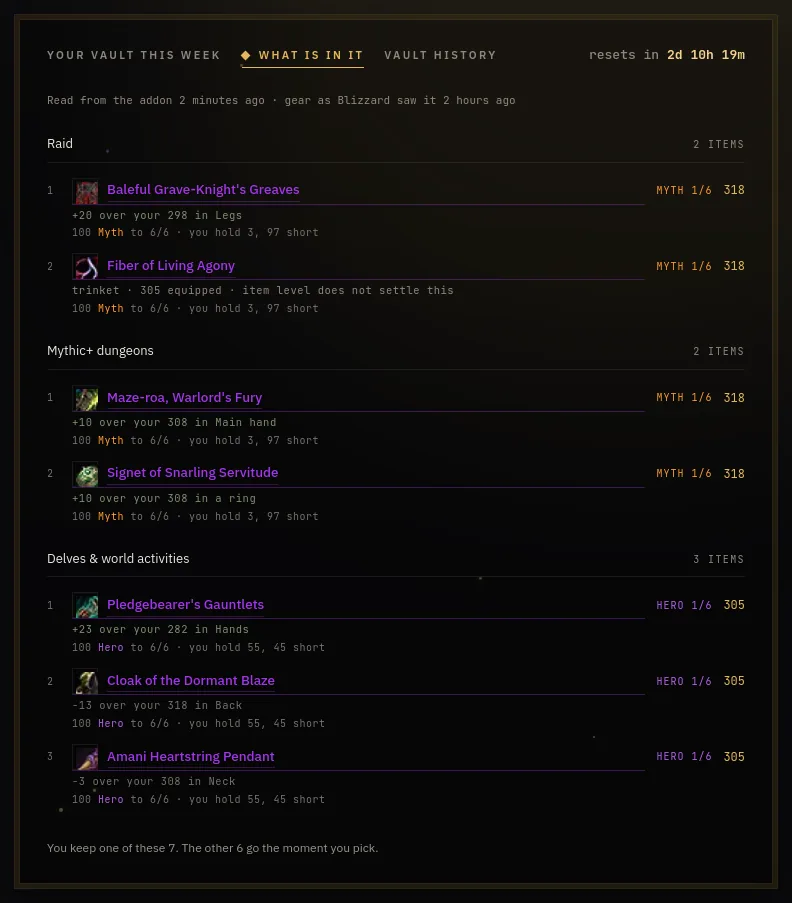
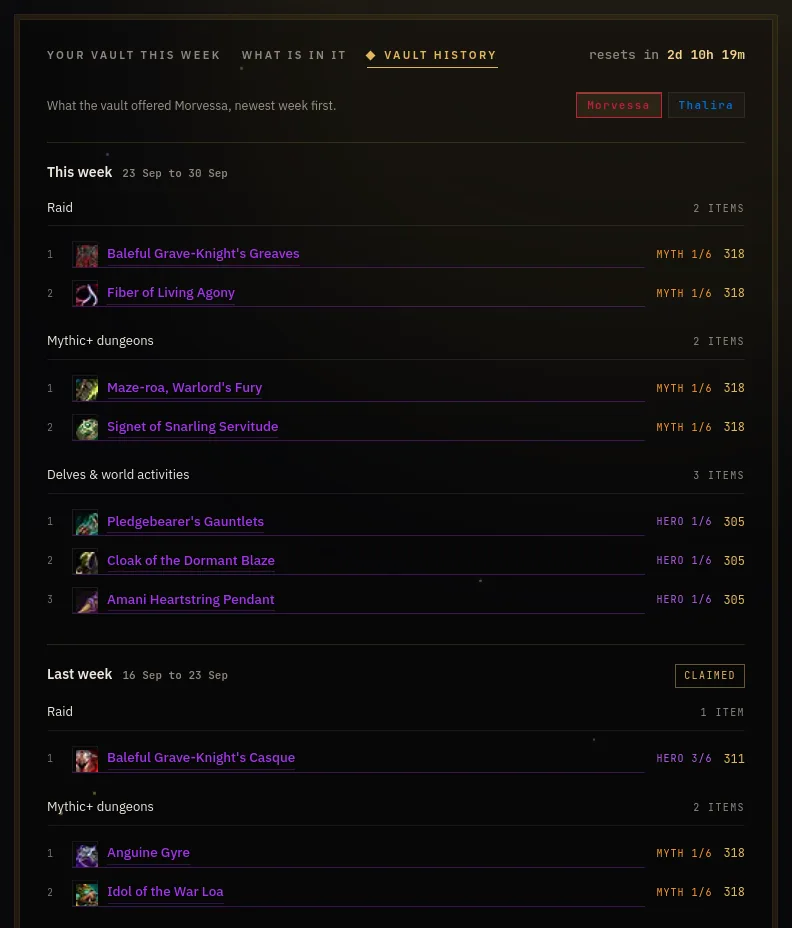
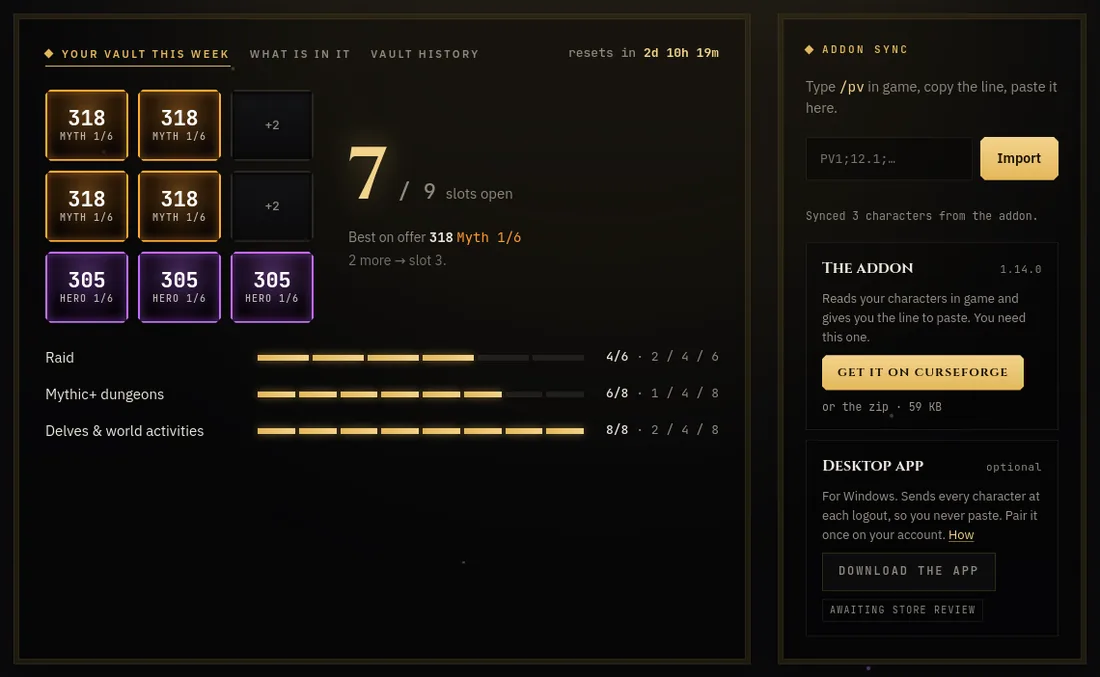
- Great Vault history (Retail): per character and reset week, the items the Great Vault offered (item, item level, quality, upgrade track, which vault row and slot), when they were first and last seen, and whether the vault was emptied later that week. It is taken from the lines the desktop app sends and from lines you paste on the home page while signed in. Each week is kept for 52 weeks, and goes sooner when you forget that character or delete your account.
On your computer the app keeps, in %LOCALAPPDATA%\PatchVault: the device token (encrypted with Windows' own protection for your user account), lines not yet sent, which WoW folders it watches, the device name, a list of recent syncs per character, and a log of at most about 4 MB that includes the email address or BattleTag it paired with. Nothing is written into your WoW folder. The version downloaded from this site asks, when you uninstall it, whether to delete that folder too; the Microsoft Store version's data is removed together with the app. The app contacts only this site. The version downloaded from here also checks this site for updates every six hours; the Microsoft Store version is updated by the Store.
Share links
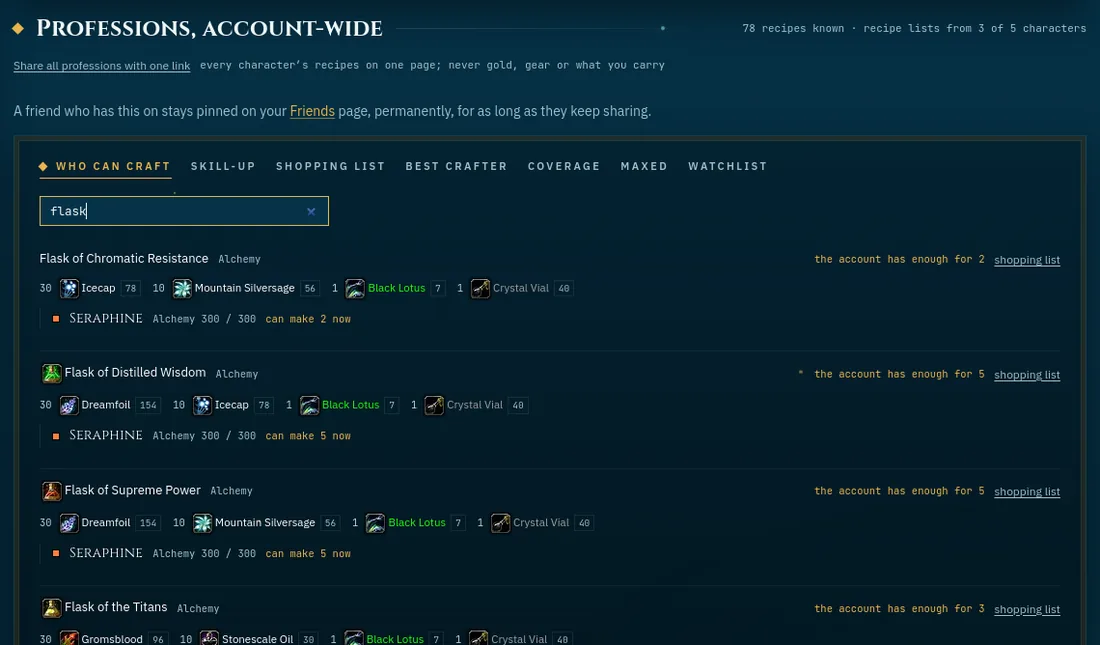
You can share one character's professions, or all your characters' professions at once. A share link is public: anyone who has it can see the character's name and realm, level, class and race, profession ranks and the recipes it knows. How many reagents you carry is removed, and nothing else from the character (gold, gear, bags, where it is) is included. The account-wide link shows all your characters with a profession together, so anyone with it can see they belong to one person, except the ones you hide. Stopping a share deletes the link at once; sharing again makes a new one.
Link previews. When somebody pastes a share link or a Crafters profile link into a chat app or a social network, that app asks this site for the page and shows a preview of it. The preview names the characters on the link and shows a picture with, per character, the name, level, race, class, realm, profession ranks and how many recipes it knows: only what the link itself shows anyone who opens it. The server keeps a copy of that picture, with a note of which link it belongs to, outside the public part of the site. Stopping the share, closing the profile or deleting your account makes the picture unavailable at once, and the copy is deleted the next time anything asks for it, or at the latest 30 days after it was last asked for. What a chat app keeps of a preview it already showed is up to that app.
Seeing and deleting it
Download my data on the Account page gives you a copy of everything above, except Blizzard's character pictures, which you can see on the Roster page. Password and token hashes are never included.
Delete your account on the same page removes all of it immediately and permanently: address, password hash, synced data, Battle.net link, characters and pictures, devices, mailbox, vault history, share links and feedback you sent while signed in. Sign-in attempts that mention your address expire on their own after 30 days (see below). Deleting the account does not remove the desktop app's files on your computer; uninstall the app for that.
The server is backed up by the hosting provider: daily backups are kept for 14 days and monthly backups for a year. Deleted data can therefore remain in a backup for up to a year until it is overwritten. Backups exist to recover from a server failure; a deleted account is never put back into the site from one.
Feedback
The Feedback page sends a message to the person running the site. With or without an account, this is stored:
- What you wrote, the kind you picked (bug, idea, question or other), and every reply after it, from either side. Plain text, at most 4,000 characters per message.
- Which game it is about (Retail or WoW Forever) and **the page on this site you came from**, such as
/loot/. Nothing about your browser, and no IP address.
- If you are signed in, which account sent it. Answers then show up on the Feedback page, and a mail goes to your account's address to say there is one. Accounts made through Battle.net have no address, so they get no mail.
- If you are not signed in, the email address you leave, only if you leave one, used only to tell you there is an answer. You get a private link instead of an account; only a SHA-256 of it is stored, and your browser keeps the link in its local storage so the page can show your messages. Each answer mailed to you carries a fresh link of its own.
- When each message was sent, and whether the conversation is waiting, answered or closed.
Only the administrator reads feedback. The admin shows an account by number, never its address, and shows whether an answer can be mailed, not the address itself. Sending is limited to 10 messages an hour and 30 a day per network, counted with the same IP hash as sign-in attempts (see below).
A closed conversation is deleted 1 year after it was closed, and any other conversation 2 years after its last message. You can delete a conversation yourself at any time with Delete this conversation on the Feedback page; deleting your account deletes everything you sent while signed in. Feedback sent while signed in is part of Download my data.
Friends
The Friends page lets two accounts see each other by trading a short code. Redeeming a code is the whole handshake: there is no separate request-and-accept step, and it works both ways at once.
Becoming friends does not, by itself, share anything at all. It only shows you a friend's account-wide share (see Share links, above) if and when they have turned one on, read fresh every time the page is opened, exactly as it stands right now. If they have never turned account-wide sharing on, hide a character, or later stop sharing, the page shows that instead, at once. There are exactly two switches that decide what a friend can see: the account-wide share toggle, and the per-character switch described below. Friending itself is not a third one.
This is stored:
- An invite code, while it is live: a hash of it, not the code itself. It works once, expires after 30 minutes, and asking for a new one retires the old.
- The friendship: which two accounts it connects, and the private label each side may give the other. Your label for a friend is visible only to you; they are never shown it, and neither of you is ever shown the other's email address or BattleTag.
Either side can remove a friend at any time. This deletes the one row that connects the two accounts, and the view disappears for both of you at once, the same as if the share had been turned off. Redeeming a code twice fails the second time, the same as a used pairing code. Invite and redemption attempts are logged the same throttled, IP-hash-only way as sign-in attempts (see Sign-in and pairing attempts, below) and are deleted after the same 30 days.
Sharing a whole character with friends
Separately from the account-wide share, you can switch on Share everything with my friends for a single character. It is off for every character until you turn it on. While it is on, every account you are friends with (and no one else: there is no link) can open that character's whole sheet, read from your account at the moment they look: level, race, class, faction, realm, stats, gear with item levels, reputation, skills, recipes, PvP rank, the character's own history on the site (level-ups, maxed professions, new recipes, gold over time), bags and bank, gold, played time, zone, rested XP and level progress. You can keep its gold, its bags and bank (the reagent counts on its recipes go with them) or its zone out of that. Your other characters, your email address, BattleTag, devices and everything else of your account are never part of it. A friend you blocked on Messages, or who blocked you, gets nothing.
This is stored: which characters you switched on and what each keeps private. Nothing is copied to your friends. Switching it off, forgetting the character, removing the friend or a block takes effect on their next look. Opening a friend's character is throttled per IP hash, logged the same way as invite attempts and deleted after the same 30 days.
Deleting your account removes your friendships, your private labels for them, any live invite code and which characters you shared whole, immediately. Download my data includes which of your friends are which internal account and your label for each, never their email address or BattleTag, and which characters you share whole with what each keeps private.
Crafters
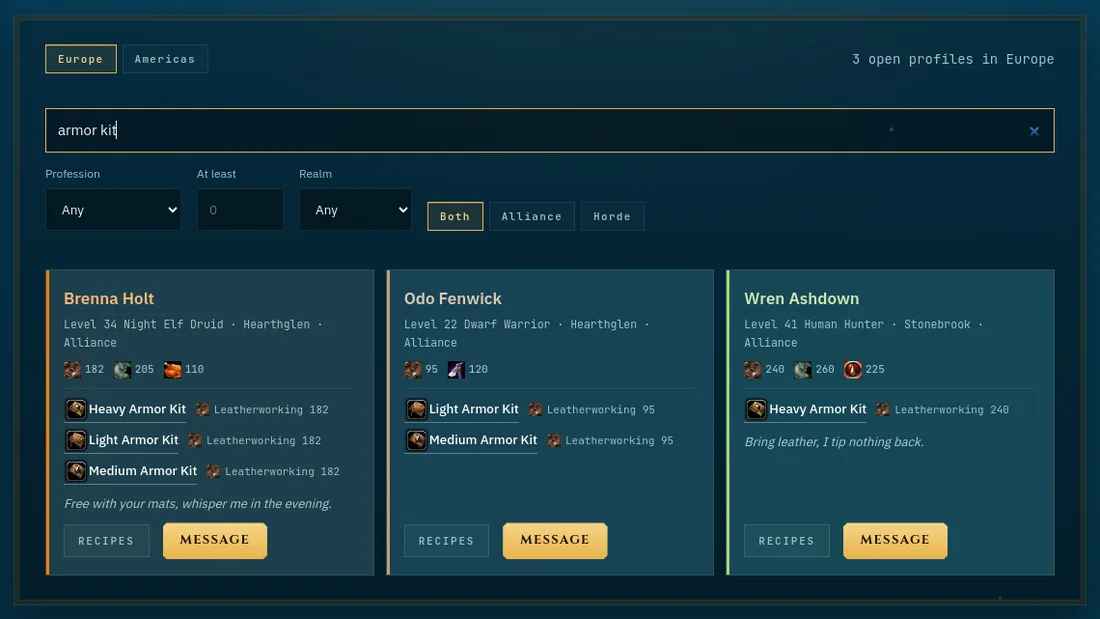
Crafters is a directory of profiles that their owners chose to open. Nobody is in it unless they opened their profile, with the button on the home page or on Crafters itself, and closing it takes you out at once.
An open profile shows, per character you leave ticked: its name, realm, region, faction, level, race and class, its profession ranks, and the names of the recipes it knows. That is the same as the account-wide share link shows. It never shows gold, gear, bags, the bank, where the character is, your email address or your BattleTag. You can also add one line of text of your own.
Anybody can search Crafters, signed in or not. Searches are limited per network, counted the same IP-hash-only way as sign-in attempts and deleted after the same 30 days, so the directory is not something to copy in bulk. Search results are not offered to search engines. Every open profile has its own link, which opens it on this page; opening one counts towards the same limit as searching, and it is not offered to search engines either. Pasted in a chat, it shows a preview, as described under Share links.
This is stored while your profile is open: that it is open, a random public handle for it (never your account number), which characters you left out, your line of text, and a search index built from your synced characters. Closing the profile deletes all of it.
Which region a character is in comes from the addon (version 1.12.5 and later), which reads it from the game. For characters synced before that, the region set on your account is used. Crafters and Friends only show characters in the region you are looking at.
Messages
Signed in, you can write to anybody with an open profile and to your friends, and they can answer. The other side sees you as the character you chose to write as, never your email address or BattleTag. If that is one of your synced characters it says so; if you typed a name, it says it was typed.
This is stored: the conversation (who the two accounts are, the character names each side shows, what it is about, and every message with the time it was sent), when each side last read it, and whether you want a mail when somebody writes. The mail names the character who wrote and links to the site; it never contains the message. You can turn it off on the Messages page.
A conversation is deleted one year after its last message. Deleting it on your side hides it for you; once both sides have deleted it, it is gone. You can block a player: they are not told, cannot write to you any more, and you stop seeing each other on Crafters. You can report a conversation: it is then sent, as a feedback message (see Feedback, above), to the site's admin, who reads it, and the player is blocked. That report is kept like any other feedback. Messages and new conversations are limited per network, the same IP-hash-only way as sign-in attempts.
Deleting your account deletes your open profile, its index, your blocks and every conversation you are in, for both sides. Download my data includes your profile and all your conversations.
Guild
On WoW Forever the addon (version 1.14.0 and later) notes which guild each character is in, with the name and number of its rank, and the guild's member list as the game's Guild window shows it: per member the name, rank, level and class. It never reads the public or officer notes, where anybody is, or when they were last online. Only the desktop app sends the member list.
On the server, the member list is not kept as it came. Only each member's name in lower case and their rank number are kept, with the guild's rank names and how many members it has, and only to check who is in the guild: a character counts as a member of a guild on PatchVault only when it is on the member list another account's character in that guild sent. The newest list per character replaces the one before, and a list is deleted 60 days after it was read in game. Nobody else can see the lists themselves; they are never shown on the site.
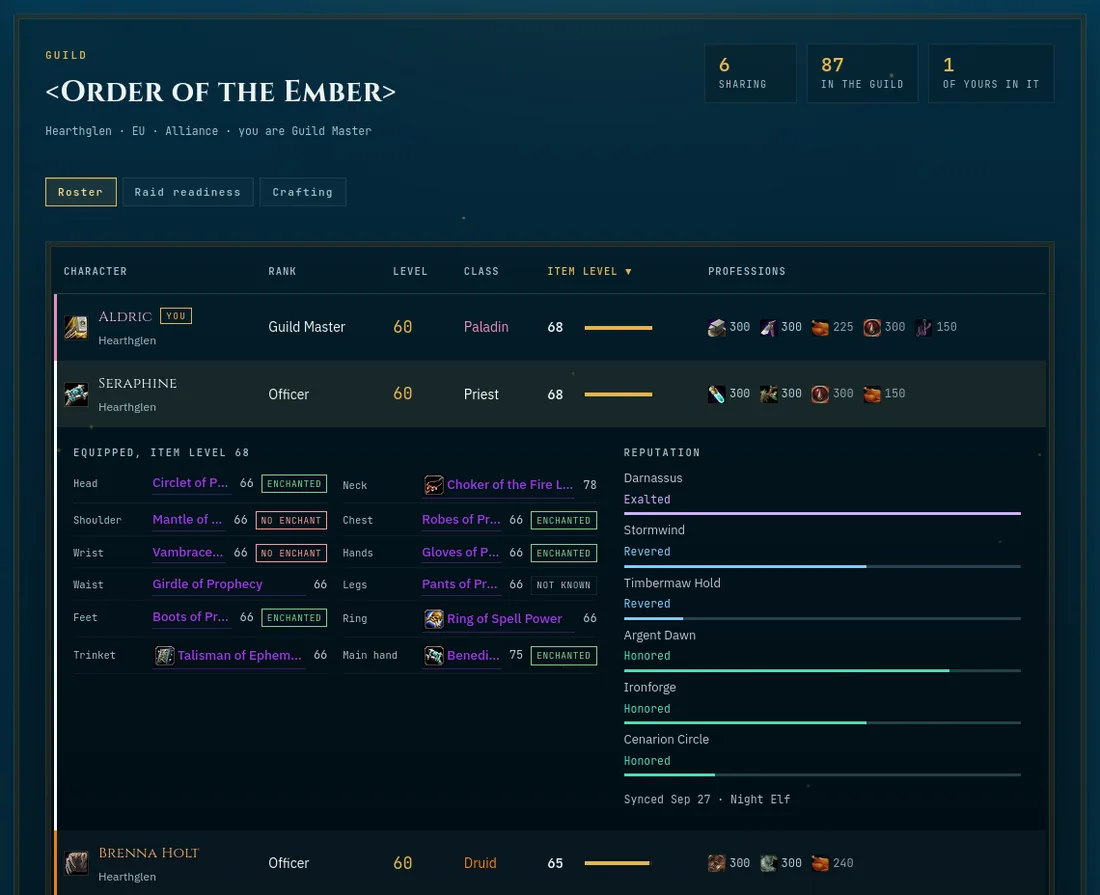
Nobody sees your characters on the Guild page unless you turn sharing on there. Then guildmates who are confirmed the same way see, per character you leave ticked: its name, realm, level, class, race, rank in the guild, equipped gear with item levels, reputation, profession ranks and recipe names. Never gold, bags, the bank, where the character is, played time, your email address or your BattleTag. Players you blocked in Messages, or who blocked you, do not see each other there. Stopping deletes the setting at once.
This is stored: whether you share and which characters you left out, which guild each of your synced characters is in (worked out from your mailbox and checked against it every time), and the member lists your characters sent. Deleting your account, or forgetting a character on the site, deletes them; Download my data includes all three.
Real loot
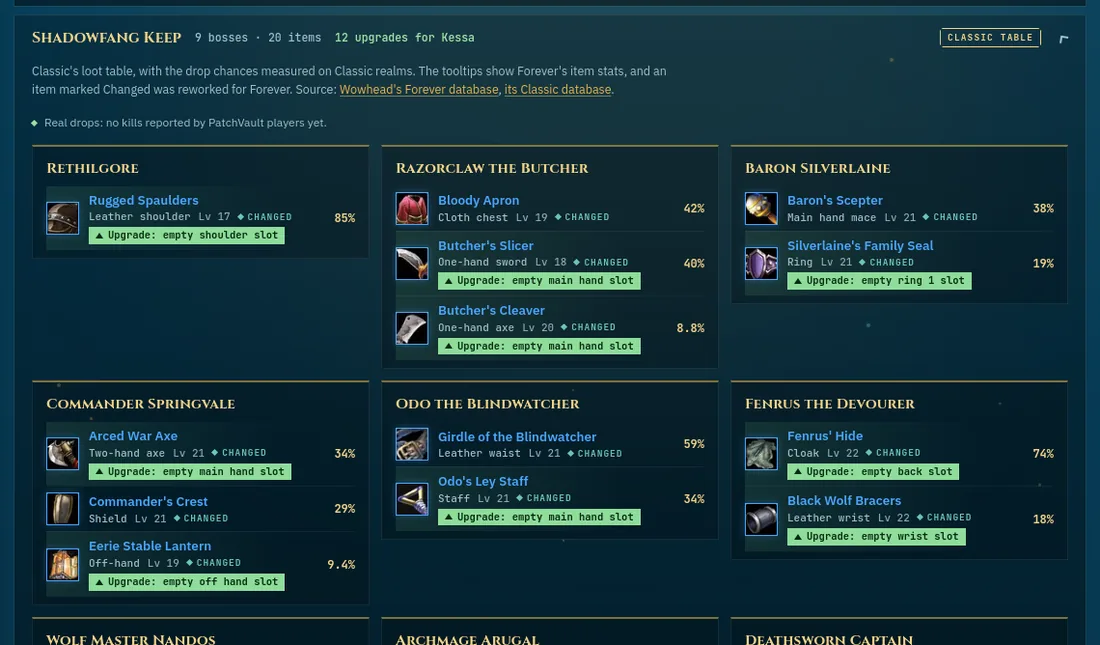
On WoW Forever the addon (version 1.13.0 and later) notes, in dungeons and raids, which items each boss you kill drops, so the Dungeons & raids page can show real drops next to Classic's numbers. Per kill it records: the boss (the game's encounter id and the boss's creature ids), the instance and its difficulty, the time, the game's build number, a checksum of the boss's game id (the same for everyone in your group, so one kill seen by five players counts once), and per item its id, how many dropped and its quality. It reads the item links from the loot window, loot rolls and the loot lines in chat, and never records who looted anything: no player names, no group, no chat text beyond the item link. On an English game client it also sends the boss's and the dungeon's name, for bosses the site has no list of yet. The addon keeps the last 14 days of kills on your computer, and only the desktop app sends them; the line you copy by hand does not carry them.
On the server that line is not kept in your mailbox. It is read at once and every kill is merged into one row per kill that has no account, character or name on it, only what is listed above. To stop the same kill from being counted twice and to limit how many kills one account can add in a day (80), each kill also remembers who already reported it, as a keyed hash of your account number that cannot be turned back into it. That hash is deleted, the checksum removed and the time cut to the day 30 days after the kill; the anonymous kill itself is kept, because it is what the totals are made of.
What the site shows, to anybody, is only totals per boss: how many kills were seen, how often each item dropped, and the first and last day it was seen. Deleting your account does not remove kills you reported, because nothing connects them to you once the hash is gone; within the first 30 days, write to the address above and they are removed.
Sessions and cookies
Signing in sets a cookie, pv_sess, holding a random token. The database stores only a SHA-256 of it. It lasts ninety days from the last time you used the site, and is marked HttpOnly and SameSite=Lax.
pv_acct holds only 1 and tells the page to show you as signed in. pv_admin does the same for the site's administrator. Neither grants any access. The admin panel has its own session cookie, pvsid, used only by the person running the site.
The site sets no other cookies. For Wowhead's script, see Other people's servers.
Sign-in and pairing attempts
Every sign-in, sign-up, password reset, password change and account-deletion attempt is logged with the time, the email address typed, and a keyed hash of your IP address, so repeated failures can be slowed down. The IP address itself is never stored. Pairing attempts and syncs from the desktop app are logged the same way, with the IP hash and no address, and so is each feedback message sent and each friend invite or redemption, with only the time and the IP hash, never the message or the code. These rows are deleted after 30 days.
Counting visits
The site counts its own visits, without cookies and without any outside service. It records the page path, the patch, whether an addon line was imported or the addon downloaded (and how many entries), whether you were signed in at the time (yes or no, not which account), and a visitor hash. That hash is made from your IP address and browser string, salted with a key that changes every day, so two visits on the same day group together and nothing links you from one day to the next. These rows are deleted after 400 days.
While a page is open in a visible tab, it tells the server once a minute that it is still open: the page path, the same visitor hash, and whether you are signed in. One row per visitor, overwritten each minute and deleted 15 minutes after the last one.
The administrator sees these as counts, as one row per visit per day, and per account number as dates, sign-in method, number of characters and devices. The admin pages show no email address, BattleTag or character name.
Other people's servers
- Wowhead (wow.zamimg.com): item, spell and class icons, and on most pages Wowhead's tooltip script, which draws the item pop-ups. Your browser fetches these from Wowhead's servers, which tells them your IP address. The script is Wowhead's own code running in the page, so it can use cookies and contact other servers of theirs; their privacy policy applies to it. If you block it, the site works the same, just without the pop-ups.
- Blizzard: only when you choose to sign in with or link Battle.net. The server then reads your characters from Blizzard's API as described above.
- Cloudflare Turnstile: a check that you are a person, on the few forms a bot would abuse: creating an account, asking for a password reset, sending feedback, and starting a new conversation in Messages. It is only loaded on those pages and only once you start filling in the form. Your browser then talks to Cloudflare's servers (challenges.cloudflare.com), which sees your IP address and some facts about your browser to decide. The server here only receives "passed" or "not passed". Cloudflare's own privacy policy applies to it.
- Links to Wowhead, Maxroll and Bluesky are ordinary links: nothing is sent until you click one.
- Email: password reset mail, answers to feedback and "you have a message" mails are sent from
[email protected], through the mail delivery service SMTP2GO. It sees the address and the message it delivers, and its own privacy policy applies.
- Hosting: the site runs on a server at Wij zijn Merlin in the Netherlands. Like every web server it keeps access logs with IP addresses and the addresses requested; these are deleted after 7 days.
Fonts are hosted here rather than at Google.
Why, legally
- Your account, sync, Battle.net link, desktop app, share links and feedback: to provide what you asked for (GDPR article 6(1)(b)).
- Sign-in and pairing logs, access logs, backups and the site's own visit counter: the legitimate interest of keeping the site secure and working, and knowing whether it is used (article 6(1)(f)).
What is not here
No advertising, no analytics service, no selling of anything, no fingerprinting, no profiling and no automated decisions about you. Nothing is shared beyond the services named above and the share links you make yourself.
Your rights
You can see, take away and delete your data from the Account page without asking anyone. For anything else, such as changing your email address, correcting, restricting or objecting, or a question about this page, write to [email protected]. If you think your data is handled wrongly, you can also complain to the Dutch data protection authority, the Autoriteit Persoonsgegevens.
 Go to the Retail home page →